Fahrenheit 451 by Ray Bradbury
My rating: 5 of 5 stars
A bleak vision of society where books are considered dangerous by the institutions, since it’s easier to rule a conformistic population.
I read this long, long time ago and I always recalled the premise, but forgot about the reasons for burning the books. Unfortunately, many parallels can be drawn with the current state of humanity.
The ending offers a new hope for the future of knowledge and society, and I can only hope that there are parallels with the current state in that too.
View all my reviews (Goodreads)
Author: Bojan Bjelić
-
Fahrenheit 451
-
Kingdom Animalia
What if animals would try the human race and our impact on the planet?
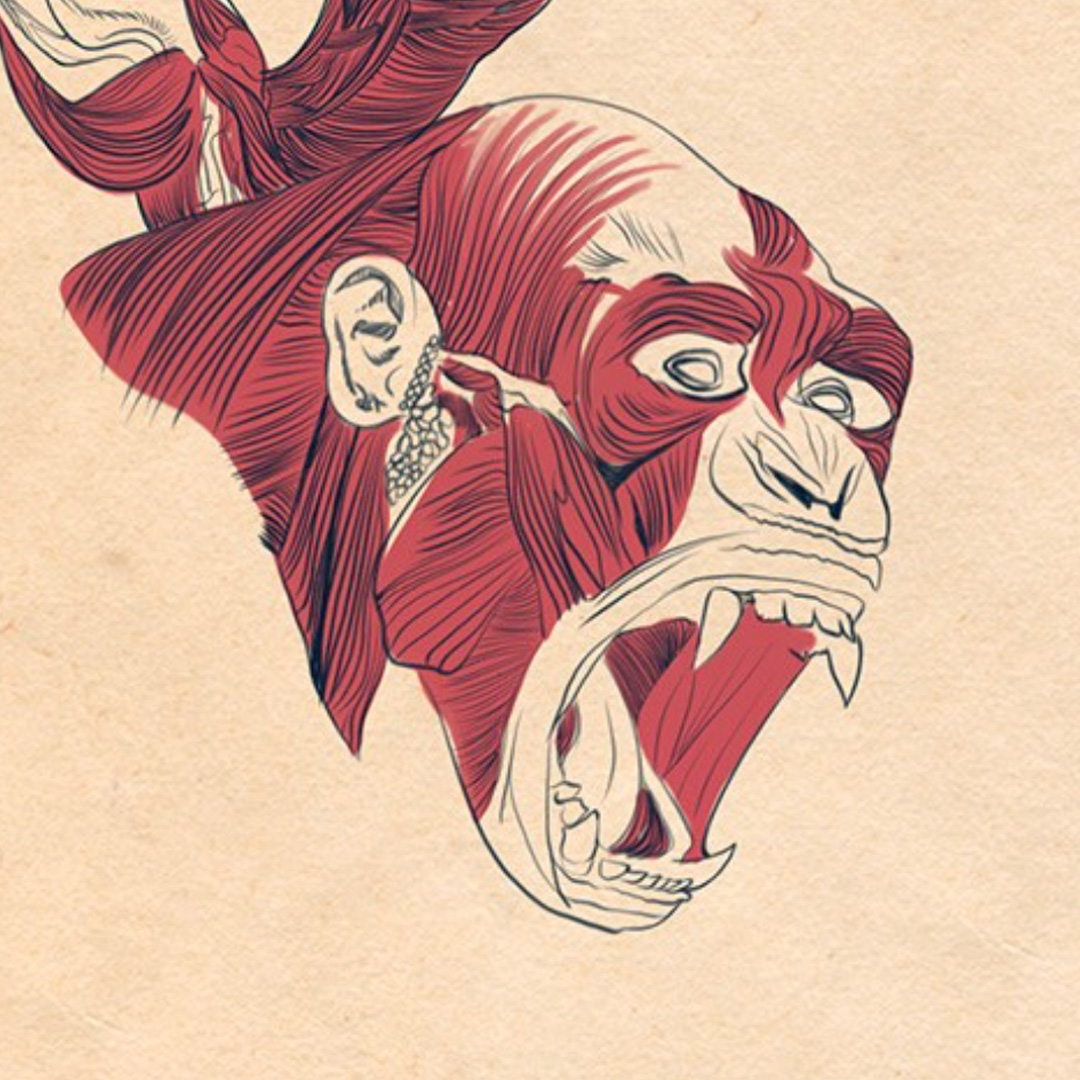
Welcome to the last days of humanity! Watch as our glorious species fights for its existence against dangerous, violent creatures who want nothing more than our total destruction! Even the cute animals don’t like us and that really hurts, you know?
Source: Kingdom Animalia
-
The Three Oddest Words
The Three Oddest Words
When I pronounce the word Future,
the first syllable already belongs to the past.When I pronounce the word Silence,
I destroy it.When I pronounce the word Nothing,
I make something no non-being can hold.
.. So beautiful.
-
IcePanel: Design complex software systems
Seems as an inovative way to document systems and make the knowledge transparent.
–✁
Align on technical decisions across your software engineering and product teams
-
Refresh: RFC 9110: HTTP Semantics
The Hypertext Transfer Protocol (HTTP) is a stateless application-level protocol for distributed, collaborative, hypertext information systems. This document describes the overall architecture of HTTP, establishes common terminology, and defines aspects of the protocol that are shared by all versions. In this definition are core protocol elements, extensibility mechanisms, and the “http” and “https” Uniform Resource Identifier (URI) schemes. This document updates RFC 3864 and obsoletes RFCs 2818, 7231, 7232, 7233, 7235, 7538, 7615, 7694, and portions of 7230.
Source: RFC 9110: HTTP Semantics
Additional: IETF
-
Encounter: Chesterton’s Fence
“Chesterton’s fence” is the principle that reforms should not be made until the reasoning behind the existing state of affairs is understood.
This is very applicable in software development and systems, especially when dealing with technical debt.
In the matter of reforming things, as distinct from deforming them, there is one plain and simple principle; a principle which will probably be called a paradox.
There exists in such a case a certain institution or law; let us say, for the sake of simplicity, a fence or gate erected across a road.
The more modern type of reformer goes gaily up to it and says, “I don’t see the use of this; let us clear it away.”
To which the more intelligent type of reformer will do well to answer: “If you don’t see the use of it, I certainly won’t let you clear it away.
Go away and think. Then, when you can come back and tell me that you do see the use of it, I may allow you to destroy it.”
Source: G. K. Chesterton – Wikipedia
-
Encounter: Benedict Evans – AI eats the world
Every year, I produce a big presentation exploring macro and strategic trends in the tech industry. For 2024, ‘AI, and everything else’.
Source: Presentations — Benedict Evans
-
Jigsaw (The Current)
A safer internet means a safer world
Jigsaw is a unit within Google that explores threats to open societies, and builds technology that inspires scalable solutions.
“Upholding technology as a force for good”
The Current is a publication from Jigsaw that examines the role of technology and individuals in countering some of the most challenging threats to open societies.
Source: Jigsaw
-
Encounter: Langton’s Ant
Langton’s ant is a two-dimensional Turing machine with a very simple set of rules but complex emergent behavior.
Rules
- At a white square, turn 90° clockwise, flip the color of the square, move forward one unit
- At a black square, turn 90° counter-clockwise, flip the color of the square, move forward one unit
💬 I find the following especially interesting:
These simple rules lead to complex behavior. Three distinct modes of behavior are apparent, when starting on a completely white grid.
- Simplicity. During the first few hundred moves it creates very simple patterns which are often symmetric.
- Chaos. After a few hundred moves, a large, irregular pattern of black and white squares appears. The ant traces a pseudo-random path until around 10,000 steps.
- Emergent order. Finally the ant starts building a recurrent “highway” pattern of 104 steps that repeats indefinitely.
All finite initial configurations tested eventually converge to the same repetitive pattern, suggesting that the “highway” is an attractor of Langton’s ant, but no one has been able to prove that this is true for all such initial configurations. It is only known that the ant’s trajectory is always unbounded regardless of the initial configuration – this is known as the Cohen-Kong theorem.